Share Your Screen Online
Free, With No Download
Start Sharing
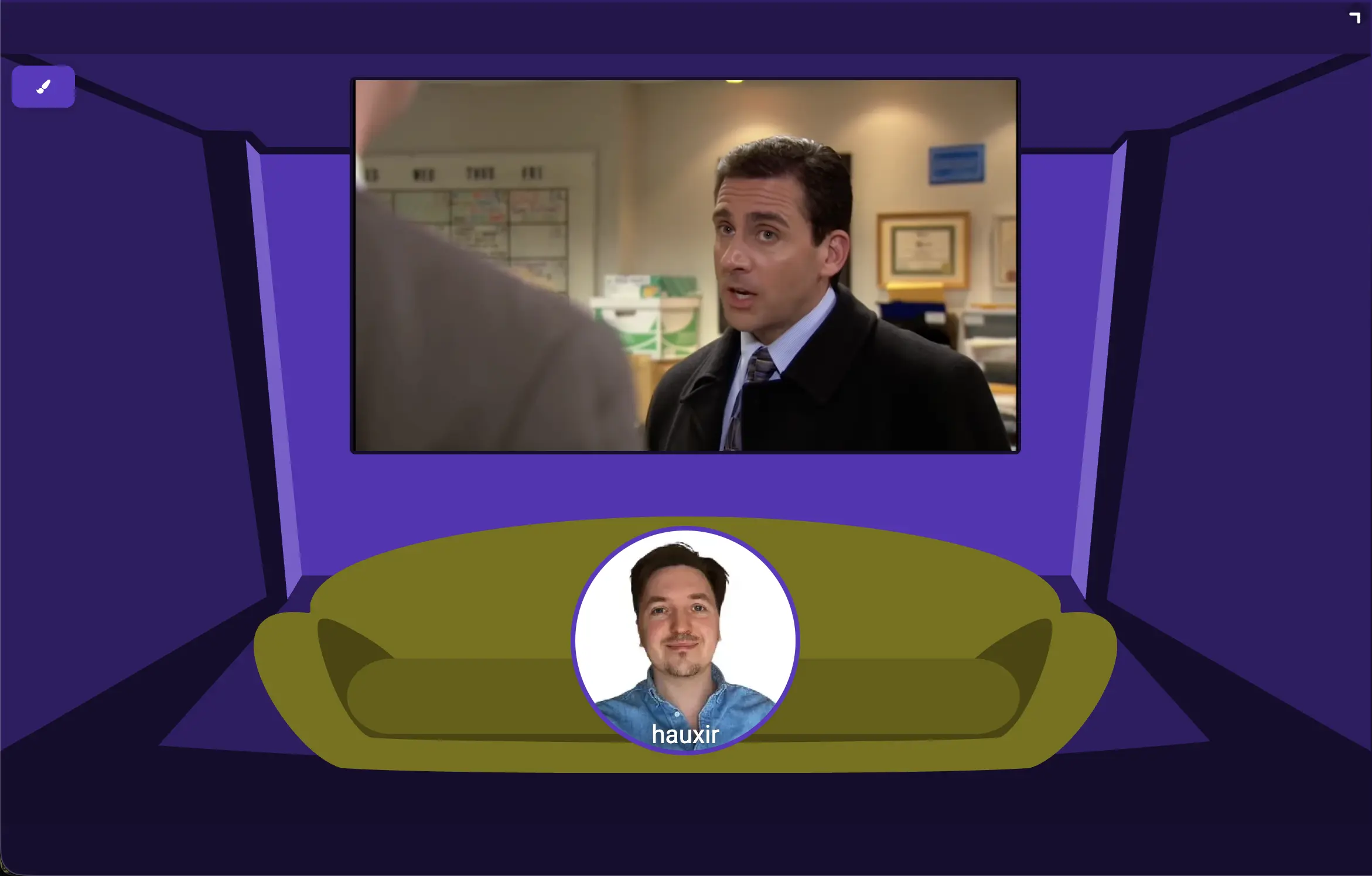
Create a room, send the link, hit share. Your screen goes out with its audio, in the browser, with no install on either side—and nobody watching needs an account. Video chat and a shared virtual browser come in the same room.
🖥
No Download
👥
Screen + Audio
📷
Video Chat
🔒
Private Rooms
1
Create a room
2
Send the link
3
Share your screen
Works in Chrome, Edge, Firefox and Safari—on desktop and mobile
Powered by 
Share Your Screen Online, Free
Most ways to share a screen online start with a download: an installer for you, an app for everyone watching, and an account for both. Kosmi skips all of that. Screen sharing runs on your browser's built-in screen capture, so it works in Chrome, Edge, Firefox and Safari, and the people you invite just open a link.
Share a window, a tab, or your whole desktop, with system audio carried along with the picture—free up to 720p, and 1080p on Kosmi Premium. Once a room has more than two people the stream is relayed through Kosmi's media servers, so a group watching doesn't hang off your upload speed.
And if what you want is the other kind of sharing—everyone driving the same screen instead of watching yours—every room also has a shared virtual browser that the whole group can see, click, and type in together.
Watch Parties
Stream Netflix, YouTube, or any video site together in perfect sync.
Shop Together
Browse online stores with friends and get opinions in real time.
Plan Together
Research trips, compare options, and make decisions as a group.
How do I share my screen online for free?
Open kosmi.io in your browser, create a room, send the link to whoever should watch, and click screen share. It's free, there's nothing to install, and the people you invite don't need an account to watch.
Can I share my screen without downloading anything?
Yes. Kosmi screen sharing runs on the browser's built-in screen capture, so it works in Chrome, Edge, Firefox and Safari with no app, extension or installer on either side.
Does online screen sharing include audio?
Yes. Kosmi sends your system audio along with the picture, so videos, games and calls you share are heard by everyone in the room. Screen sharing is free up to 720p; 1080p is part of Kosmi Premium.
How many people can watch my screen?
Everyone you send the room link to. Streams are relayed through Kosmi's media servers once a room has more than two people, so group viewing doesn't depend on your upload speed the way a peer-to-peer call would.